
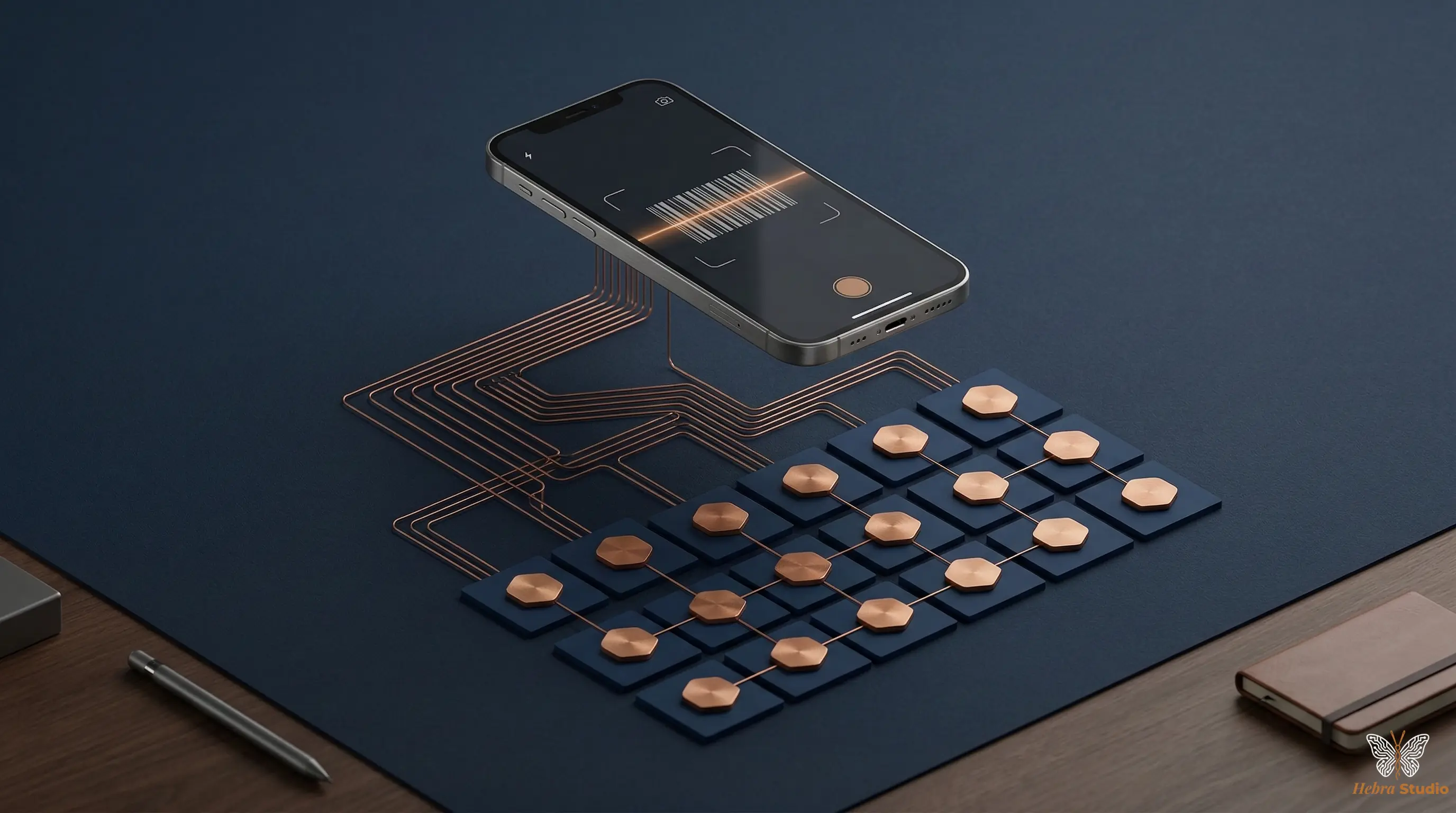
Scanning a label saves typing its code. It does not check how many units are in the box or discover an issue of stock nobody recorded. That difference matters when building a small inventory with Google Sheets and AppSheet.
I would set up a trial with five products and data kept separate from the business's data. The aim would be to check that another person can record a movement, correct an error and understand when the balance was updated.
Two tables and a balance you can reconstruct
In Catálogo_Productos, I would store ID_Producto, Codigo_Barras, Nombre_Articulo and Unidad. If a box contains several units, the form must show the quantity being recorded and how it is converted. The code is stored as text to preserve leading zeros.
In Registro_Movimientos, I would use a unique ID_Movimiento, Fecha_Hora, ID_Producto, Tipo_Movimiento, Cantidad, Usuario and Motivo. I would add a reference to the original movement when a correction reverses it. I would not delete an incorrect issue of stock without leaving a record of the correction.
The balance is reconstructed as initial count + receipts − issues + signed adjustments. A saleable return is a receipt; damaged goods may need a different status or an issue of stock. Set these rules before each person interprets them differently.
I would not allow Stock_Actual to be edited freely. An adjustment is entered as a movement with a reason and a responsible person. At the end of the trial, reconcile the balance with a physical count: a correct formula can add up incorrect records.
Configure and test scanning on the phone
Connect the tables to AppSheet, define their keys and the relationship between movement and product. In the data editor, enable scanning on the relevant column. Then validate that the code identifies an existing product and that the quantity uses the expected unit.
The official documentation says camera scanning is used on mobile devices and requires Core or Enterprise plans. It does not work in the browser or as real scanning in the editor emulator. Using barcodes. Check the plan and licences you need before budgeting for use; already having Google Sheets does not establish that the scanner is included.
Saved does not mean visible on every device
AppSheet keeps a local copy and synchronises changes with the central data. Configuration and connectivity affect when they are sent and downloaded. Synchronisation with the spreadsheet. If movements are pending, the displayed balance may be out of date.
Google also warns against using Quick sync with certain automatic calculations in the source, such as Google Sheets formulas. Synchronisation limits. That is why I would test how the balance recalculates and reaches another phone, without promising instant updates.
Check errors before expanding
Test an unknown code, two captures of the same movement, a return, a correction and two simultaneous issues of stock. A local check against negative stock can consult an old balance: it does not guarantee preventing overselling across devices.
The concurrency documentation explains that when two clients change the same row, the last change prevails. Concurrent use in AppSheet. Adding movements with unique keys avoids relying on everyone overwriting a balance cell, but duplicate detection and reconciliation are still needed. If you need strict stock reservations, the trial may show that a different storage system or central control is necessary.
Choose the first items by movement frequency, the cost of running out or stored value. Do not assume an 80/20 split. Expand when records are used consistently, discrepancies can be explained and the update delay is known.
Sources
- AppSheet: barcode scanning — Consulted on 10-10-2026. Core/Enterprise, mobile use and field configuration.
- AppSheet: synchronisation — Consulted on 10-10-2026. Local copy and propagation of changes.
- AppSheet: Quick sync limits — Consulted on 10-10-2026. Caution with formulas calculated in Google Sheets.
- AppSheet: concurrent use — Consulted on 10-10-2026. Conflict resolution by row.
If you want to trial mobile scanning, tell me how many people record movements and how you count stock.