
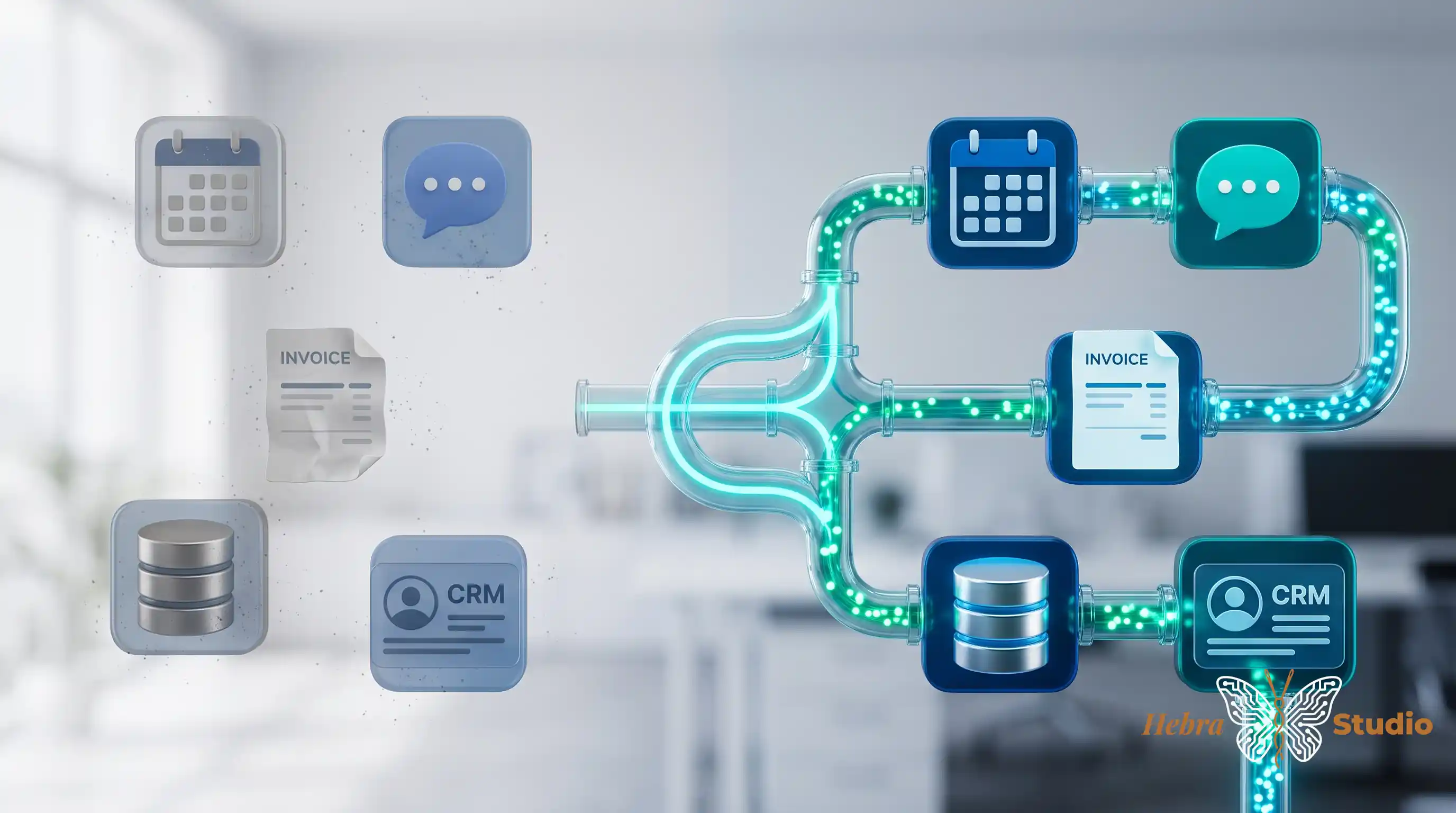
In a hypothetical example, a customer requests an appointment by message. Reception copies their name and phone number into a contact record, enters the time in the calendar, prepares the invoicing details and updates a tracking sheet. Four rounds of data entry for one request.
There may be a reason for each application. The problem arises when none holds the complete status and someone has to piece it together. Before adding another tool, I would follow a request from arrival to completion: what gets copied, who does it and where changes are recorded.
Which record takes precedence
An integration needs more precise rules than “transfer the data automatically”. The calendar might be the reference for the confirmed time; the management software, for the customer's identity; the invoicing software, for tax details. If two systems disagree, you need to know which to correct and how to pass that correction on.
In this example, I would start by creating a pending request from a form. The requested date would not become a confirmed appointment until availability had been checked. A person's name would not be enough to link them to an existing record either: two customers can have the same name.
I would separate essential fields from those that can be completed later. An incorrectly formatted phone number might prevent a notification being sent. Missing tax information might stop an invoice draft without deleting the appointment. That distinction needs to be written into the workflow rules.
When only half of it works
Suppose the contact record is created but the calendar does not respond. Repeating the whole process might create another record. The workflow needs to store the request identifier and the outcome of each step so it can resume at the right point or ask for a review.
This is not an abstract risk: Stripe documents that its event notifications can be repeated and arrive out of order. Its identifier-based controls illustrate why a connection needs to anticipate repeats; each application will have its own conditions.
I would test the transfer with a repeated request, an incomplete one and an interruption between steps. Then I would check that there is only one request, that its status is understandable and that a person can recover it without guessing what happened.
n8n lets you configure alerts for failed executions. That helps with investigation; it does not discover on its own that an appointment has the wrong time. You also need to compare records and define when inconsistent data should stop the process.
A transfer worth maintaining
I would choose the connection based on its frequency and the cost of correcting errors, rather than the number of applications it can join. During the trial, I would record data-entry minutes, duplicate requests, pending cases and review time.
I would assign someone responsible, provide a manual way to continue and arrange a review after provider changes. If maintenance takes more time than it saves, the workflow needs simplifying. Connecting tools is useful when it tells you what has been done and what remains, as well as reducing repeated data entry.
Sources
- Stripe: receiving events — Consulted on 10-10-2026. Events may be repeated and arrive out of order; Stripe documents identifier-based controls.
- n8n: error handling — Consulted on 10-10-2026. An error workflow can alert you to failed executions; the business failures you want to detect must be configured.
If you have identified a repeated transfer, tell me what information you copy and between which applications.