
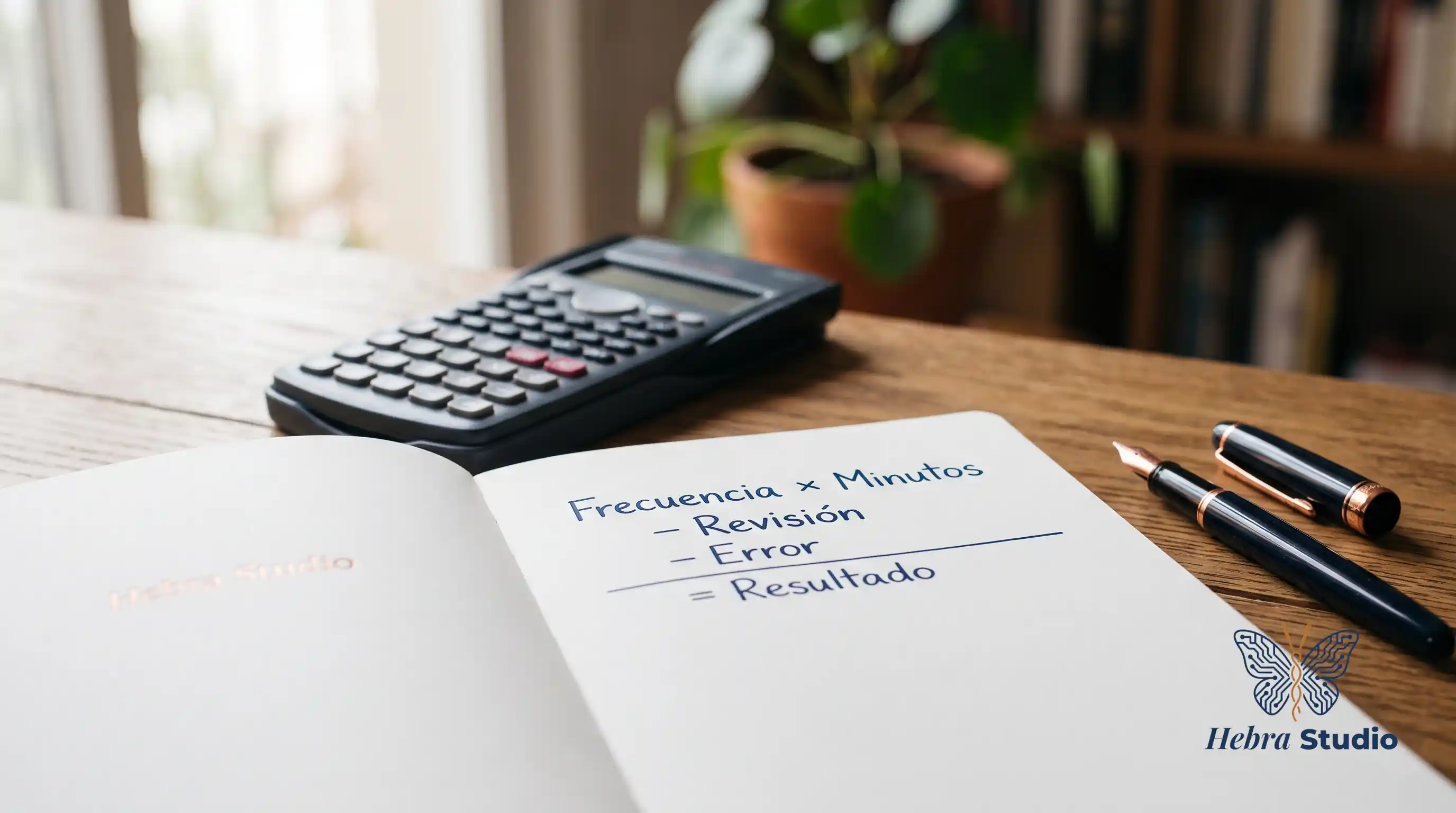
Eight minutes to open an invoice, copy its details and check them may seem minor. With 200 invoices a month, that is 26 hours and 40 minutes. That is where the calculation I care about begins: how much of that time becomes available after reviewing the system's work.
This is a hypothetical example, with no client data. Replace its times and amounts with your own.
First, the calculation in minutes
I assume a task that transfers invoice details into a register. Today it takes eight minutes of human work per document. With automation, the person spends half a minute starting the process or collecting the result, and another half a minute checking the fields. Waiting for the computer does not use their time if they can do something else. If they have to keep watching it, that time must count.
I also assume that ten invoices a month need a ten-minute correction each, after the usual review. These are detected issues, not an estimate of the damage caused by errors nobody has spotted.
| Monthly human work | Calculation | Minutes |
|---|---|---|
| Current manual process | 200 × 8 | 1,600 |
| Handling the automated result | 200 × 0.5 | 100 |
| Routine review | 200 × 0.5 | 100 |
| Additional corrections | 10 × 10 | 100 |
The time released by the process would be 1,600 − 100 − 100 − 100 = 1,300 minutes, or 21 hours and 40 minutes a month.
I have not deducted review twice: the eight minutes cover the complete manual process; the two half-minute periods are different tasks in the new process. Corrections only include work additional to that review.
Then, the calculation in euros
Now I add one hour a month to maintain connections and update rules. That leaves 20 hours and 40 minutes: 1,240 minutes divided by 60.
I assume a labour cost of €25/hour, a tools subscription of €80/month and an initial implementation cost of €1,200, including setup and training.
The value of the released time would be 1,240 ÷ 60 × 25 = €516.67/month. Subtracting the subscription leaves €436.67/month. I do not deduct maintenance again in euros: I have already taken that hour out of the available time.
With those assumptions, 1,200 ÷ 436.67 ≈ 2.75 months represents the initial cost in released capacity, if you use those hours at the assumed economic value. It does not guarantee cash payback; it excludes taxes and financing costs. If implementation also requires internal staff time, I would add it to the initial cost. If a supplier is paid for maintenance, I would count their invoice and any remaining internal hours.
That balance is not money that will necessarily reach your account. If salaries stay the same, you recover capacity: decide what work will fill those hours. To discuss cash payback, I would need to estimate additional revenue or costs you will actually stop paying.
What still needs to be demonstrated
I do not know how long your staff member will take to review results or how many exceptions will appear. Before buying, I would time a sample of straightforward and difficult documents, both in the current and proposed processes, until every record is correct. Microsoft's documentation distinguishes checking that an answer is supported by its context from checking that it is complete. Those are different checks, not a guarantee of time savings. Evaluating answers based on documents.
If an incorrect invoice could cause an improper payment, recovering hours is not enough. I would keep payment authorisation with a person and estimate the remaining risk separately.
Two hours saved may justify a small change; twenty may not offset an expensive implementation. To decide, I need volume, review, maintenance, initial cost and a specific use for the released time.
Write down what you will do with those hours before paying to recover them.
Sources
- Microsoft: evaluating answers supported by documents — Accessed on 10-10-2026. Supports the distinction between faithfulness to context and completeness; it does not substantiate the example’s times, costs or returns.
- Example and calculations: hypothetical scenario with explicit assumptions. There is no universal threshold of hours and no client data.
If you have already measured a task, you can send me its volume, manual processing time and review time at hola@hebra.studio to discuss automating it.